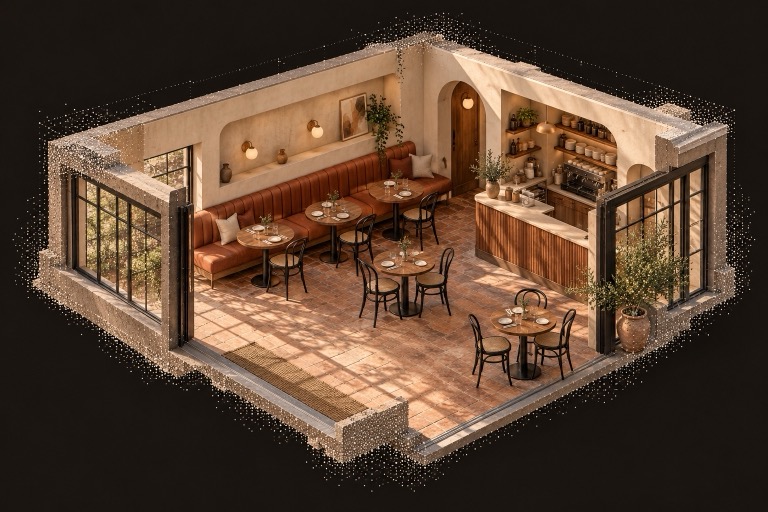
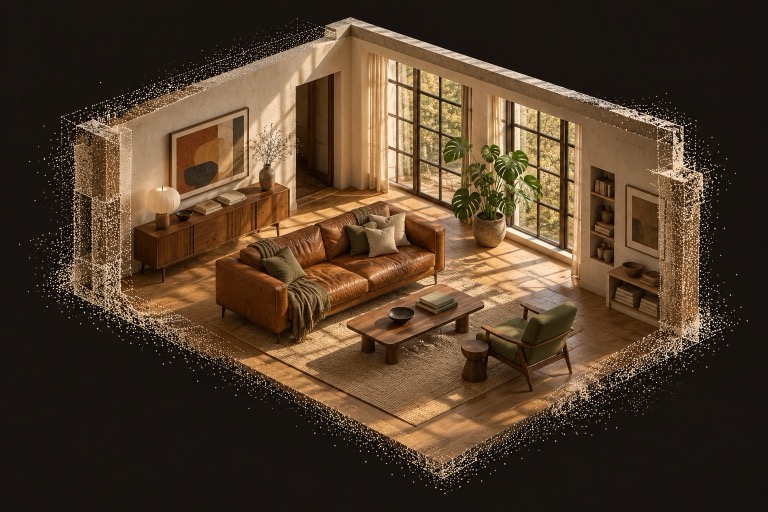
Host it
Give your 3D captures a home online. Kept prepares supported uploads for streaming so visitors can explore in their browser.
LET THE SPACE SPEAK FOR ITSELF.
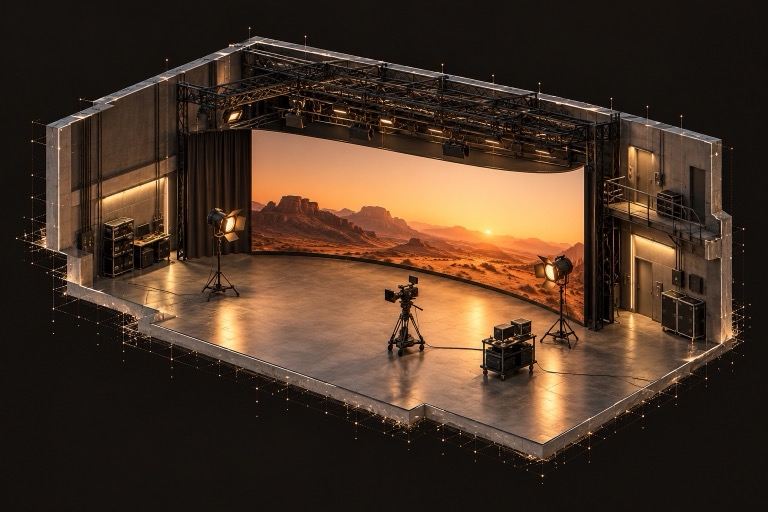
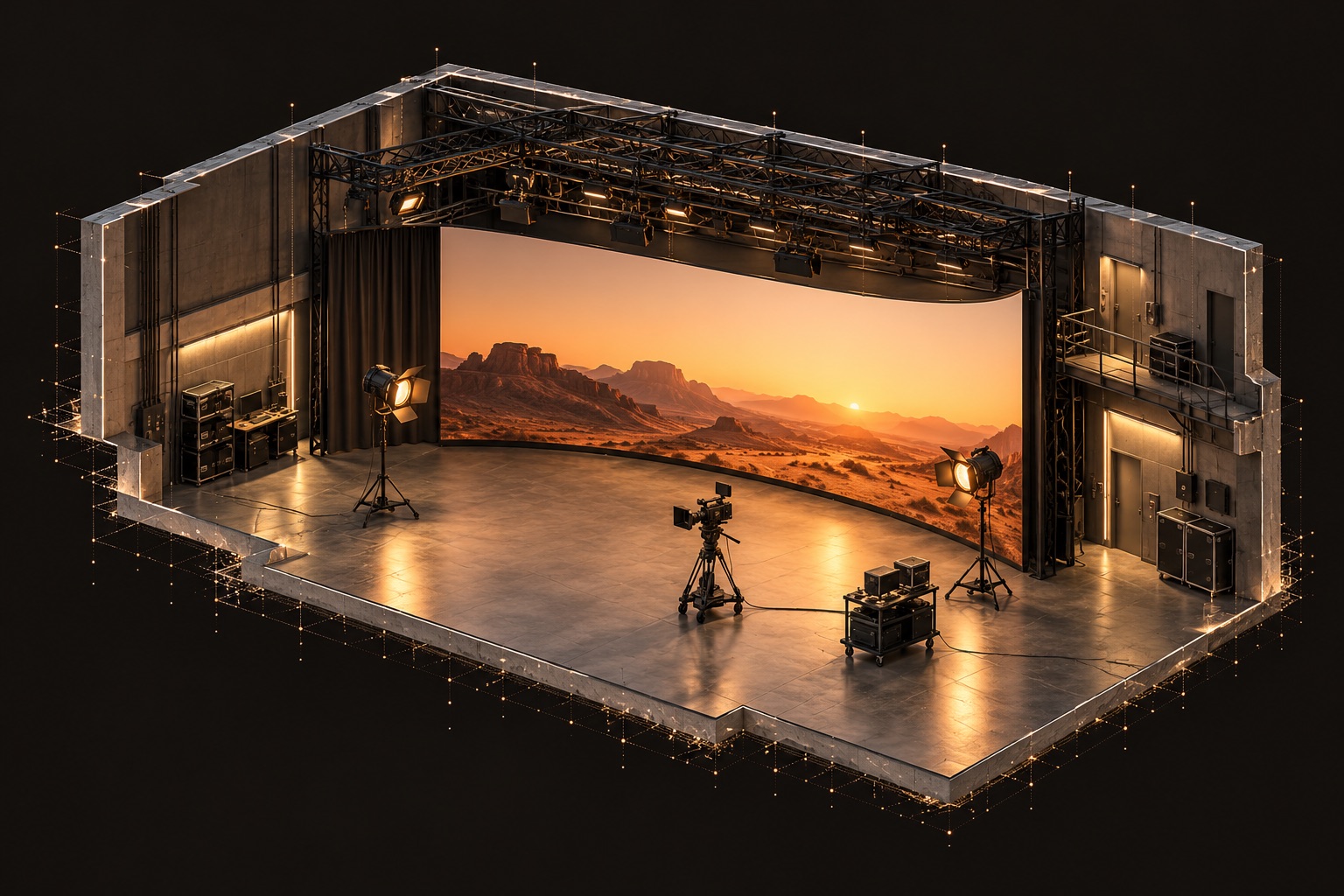
Host your finished studio captures as walkable 3D tours. Choose the first view, place an LED wall at real size, and share or embed a tour clients can explore before booking.
Bring a processed 3D capture. Capture your space and create its Gaussian splat with your scanner or capture software, then upload the finished export to Kept.
One space. Three captures. Free to start.
01 / FROM CAPTURE TO WEBSITE
Capture and processing happen in your own tools. Kept takes over when you have a finished export, giving you a place to host it and turn it into a tour.
Use your scanner, capture app, or a capture provider to record the property or location.
Create the Gaussian splat in your capture software and export a supported file or XGRIDS LCC2 folder.
Kept hosts and prepares supported captures for streaming. Organize the space, set its arrival view, and add tour stops.
Send a browser tour link, or follow the guided setup to put it on your website with one embed code.
Already have a processed capture? Start at upload. See supported formats and common questions
02 / WHAT KEPT DOES FOR YOU
Give your 3D captures a home online. Kept prepares supported uploads for streaming so visitors can explore in their browser.
Choose the first view visitors see, save tour stops, set movement options, and take a cover image from inside the space.
Manage properties and business locations in one workspace. Keep dated versions of each space together instead of scattered across files and links.
Send a link clients, buyers, or colleagues can open without an account. Your spaces start private; you choose what to share.
Choose your website and appearance, then copy one embed code. The guided setup makes the tour part of your existing page.
Keep workspace notes and viewpoints alongside the capture. Use measurement tools on eligible plans after checking the capture’s scale.
Sharing, embedding, and measurement access depend on your plan. Compare plans.
MAKE THE CAPTURE WORK FOR YOU
Let a client look around from their browser. Save arrival points so the tour starts in the right place.
Position an LED wall in the room, adjust its size, and preview content on it.
Send a public tour link or embed the viewer on the domains you authorize.
Keep dated captures of your space and place equipment in its shared frame. Give a client the room's context before the conversation starts.
FOR PROPERTIES, LOCATIONS & PERSONAL ARCHIVES
BEFORE YOU UPLOAD
Bring a finished export from your capture software. Kept handles hosting, tour setup, organization, sharing, and website embedding.
A processed 3D capture, also called a Gaussian splat. Capture the space and create the splat with your scanner or capture software, or have a capture provider do that work. Then upload the finished export.
Kept accepts PLY, SPLAT, KSPLAT, SPZ, and SOG files, plus XGRIDS LCC2 folders. An LCC2 upload needs its exported folder and files together. Ordinary photos and videos need to be processed into a supported 3D capture first.
Set the arrival view, add tour stops, choose how visitors move, and create a cover image. Workspace tools also include notes, scale and orientation controls, and supported objects. Processing and editing the original splat geometry happen in your capture tools.
Follow the guided setup to add your website domain, choose the viewer appearance, and copy one embed code into your page’s HTML or embed block. Embedding requires an eligible plan and a website builder that supports iframes.
Every capture records whether its scale was declared, measured, or assumed. Verify scale against a known dimension before relying on measurements.
Your spaces start private. You decide when to create a sharing link, and can revoke it later.
Plans have different storage limits and sharing, embedding, and measurement capabilities. See pricing for the current limits.
ALREADY HAVE A CAPTURE?
Free to start. Yours to build on.